
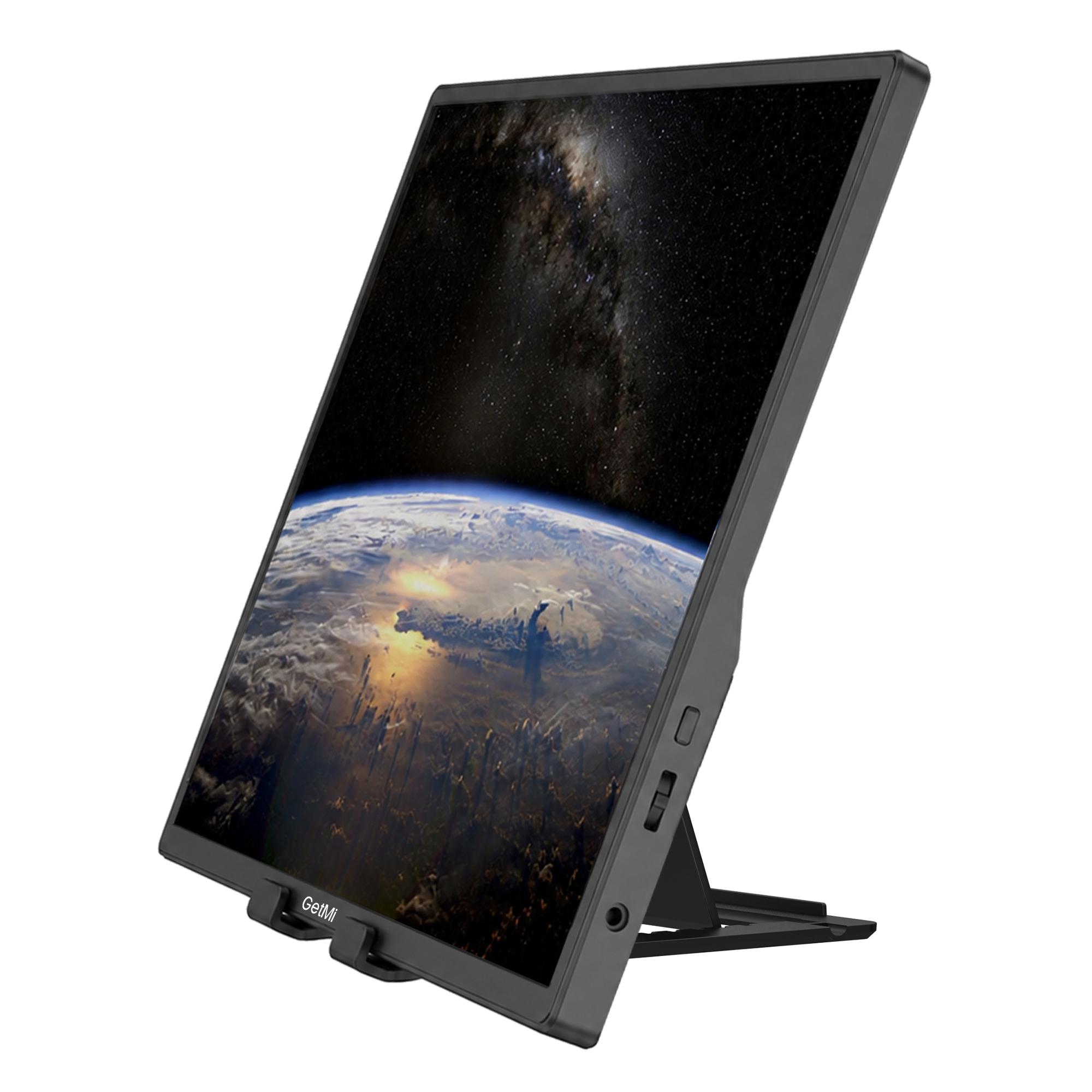
Available online
P140
Best for frequent travel and compact 16:10 workspaces.
- Screen
- 14 inches
- Resolution
- 1920 x 1200
- Refresh rate
- 60Hz
- Touch
- No
Portable monitor comparison
Start with the three featured GetMi models, then review the wider range by screen size, resolution, refresh rate and touch support.
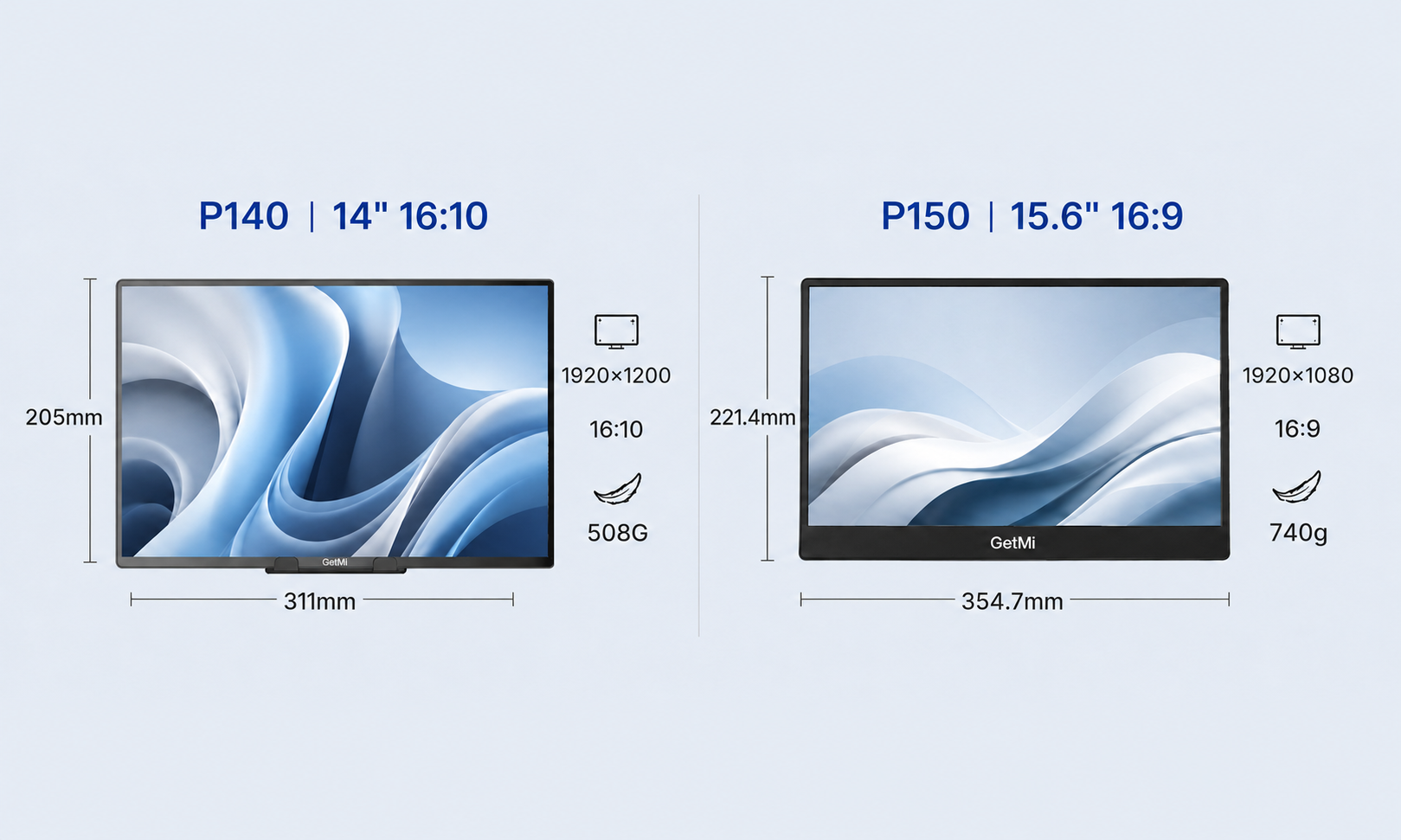
Featured models
Choose compact travel, a larger everyday workspace, or touch interaction. Availability and final configuration should be confirmed before ordering.
Available online
Best for frequent travel and compact 16:10 workspaces.
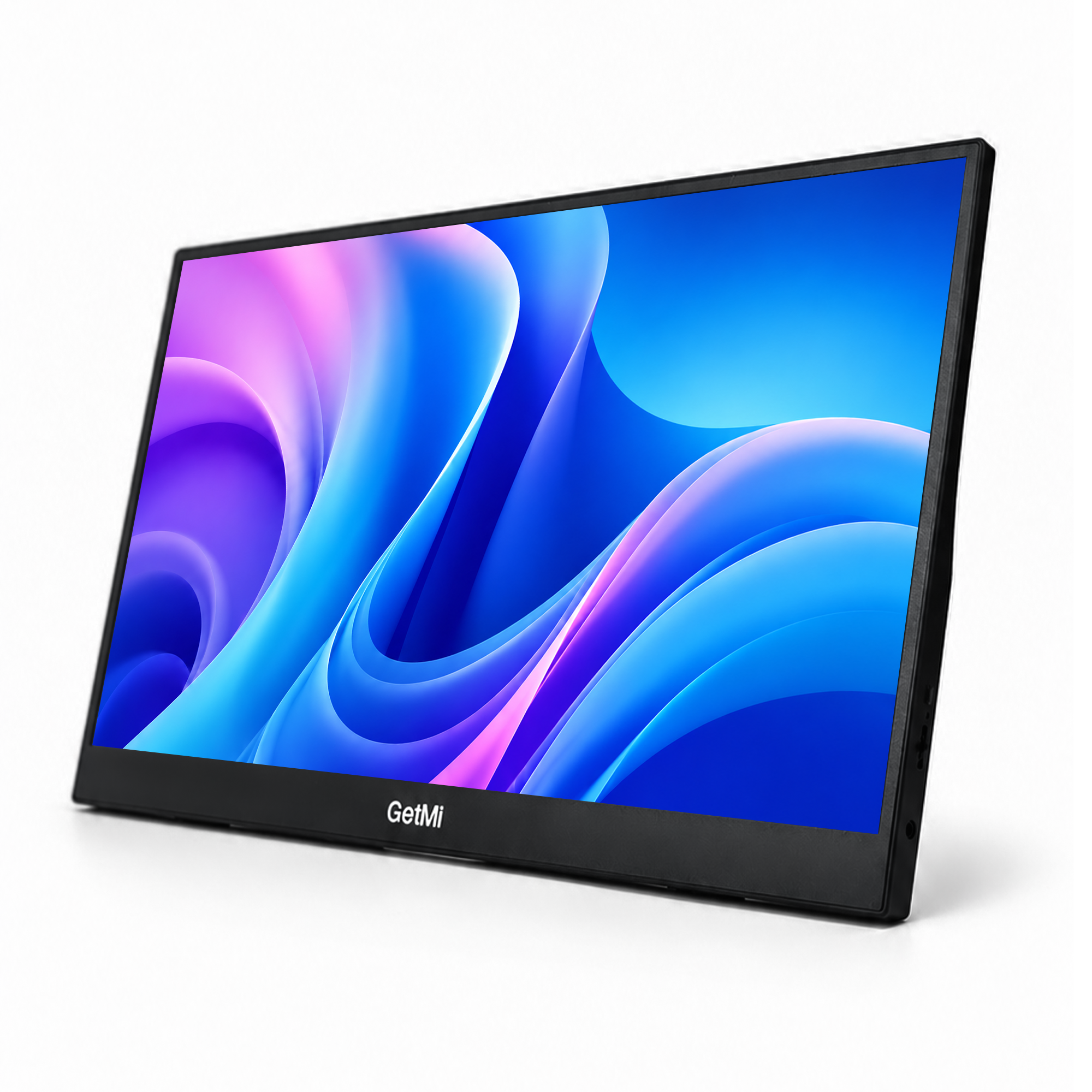
Details on request
Best for everyday work when you want a larger portable screen.
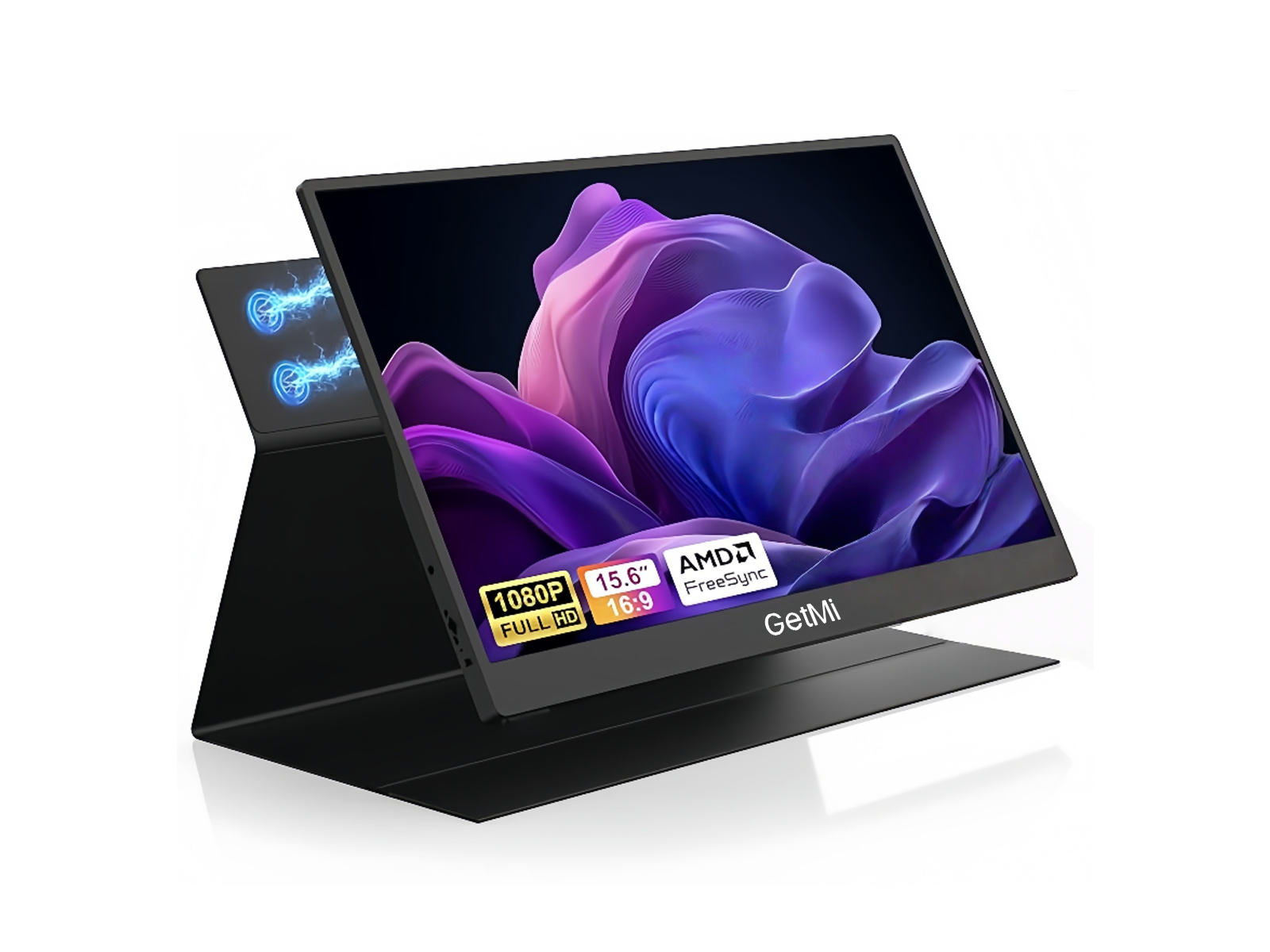
Details on request
Best for touch-first productivity, presentations and compatible creative apps.
Full range
Use this table to narrow the range. Final ports, stand type, refresh-rate option and touch availability can vary by configuration.
| Model | Screen | Resolution | Refresh rate | Touch | Stand | Best for |
|---|---|---|---|---|---|---|
| P140 | 14 in | 1920 x 1200 | 60Hz | No | Protective case stand | Frequent travel |
| P150 | 15.6 in | 1920 x 1080 | 60Hz | No | Integrated stand support | Everyday work |
| P150T | 15.6 in | 1920 x 1080 | 60Hz | Yes | Confirm configuration | Touch productivity |
| P160A | 16 in | 1920 x 1200 | 60Hz | Yes | Integrated stand | Flexible touch setup |
| P160B | 16 in | 1920 x 1200 | 60Hz | Yes | Leather case stand | Portable touch setup |
| P160C | 16 in | 2560 x 1600 | 60Hz / 120Hz option | Yes | Confirm configuration | Sharper creative work |
| P185 | 18.5 in | 1920 x 1080 | 100Hz | Yes | Confirm configuration | Large-screen gaming |
| P238 | 23.8 in | 1920 x 1080 | 120Hz / 144Hz | Optional | Confirm configuration | Desk-first gaming |
Specifications are a selection guide, not a final order confirmation. Confirm the selected configuration before purchase or RFQ.
Choose by use
P140 keeps the setup compact and uses a taller 16:10 workspace.
Choose P140P150 adds more screen area for documents, meetings, study and entertainment.
Ask about P150P150T adds touch support for compatible devices and operating systems.
Ask about P150TP160, P185 and P238 formats cover sharper, larger and higher-refresh setups.
Review full rangeUSB-C video requires DisplayPort Alt Mode or Thunderbolt support. Touch operation can also depend on the connected device, operating system and cable path. Send the exact device model and required monitor configuration to GetMi for confirmation.