
Compare the screen size, resolution, brightness and features that fit your work or travel setup.
GetMi resources
Choose with more confidence.
Practical guides for choosing, connecting and getting more from a portable monitor, all in one focused place.
Start here
Make the next decision easier.
Use the guides below to narrow down the setup, connection and everyday-use details that matter most.
Understand USB-C, HDMI and power requirements before you choose a monitor for your device.
Find clear ways to arrange a portable display for focused work, gaming and daily use.
All guides
Browse the details you need.
Buying guide
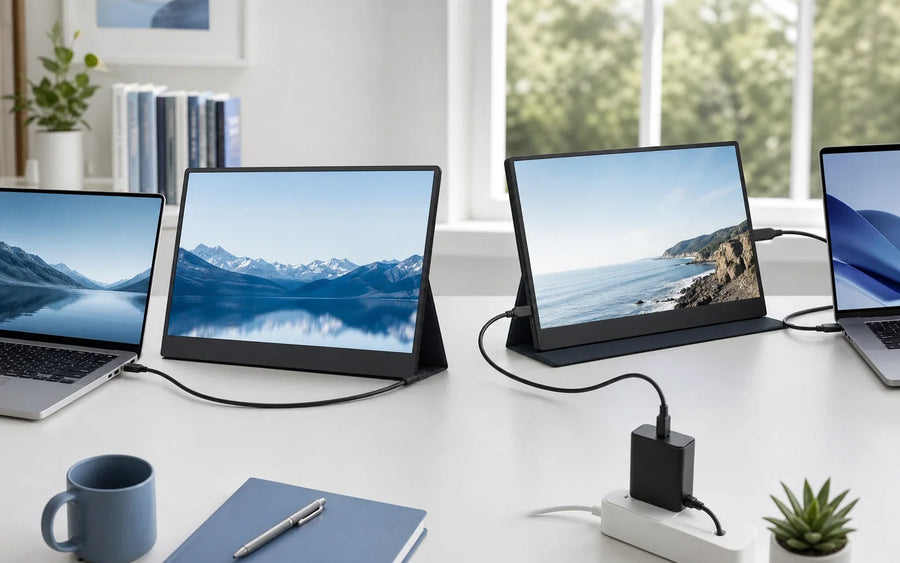
Does a Portable Monitor Need Power? One-Cable vs Two-Cable Setups
Learn when a portable monitor can use one USB-C cable, when separate power is the more stable choice, and why HDMI connections need a second p...
Read guide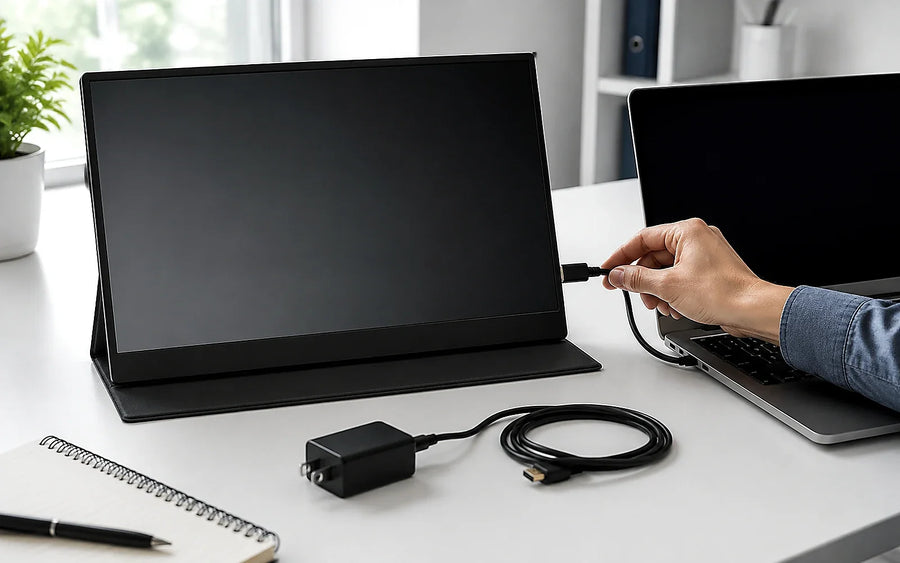
Buying guide
Portable Monitor No Signal: A Step-by-Step Troubleshooting Guide
A practical step-by-step guide to diagnosing portable monitor no-signal problems across USB-C and HDMI connections, from power and cables to i...
Read guide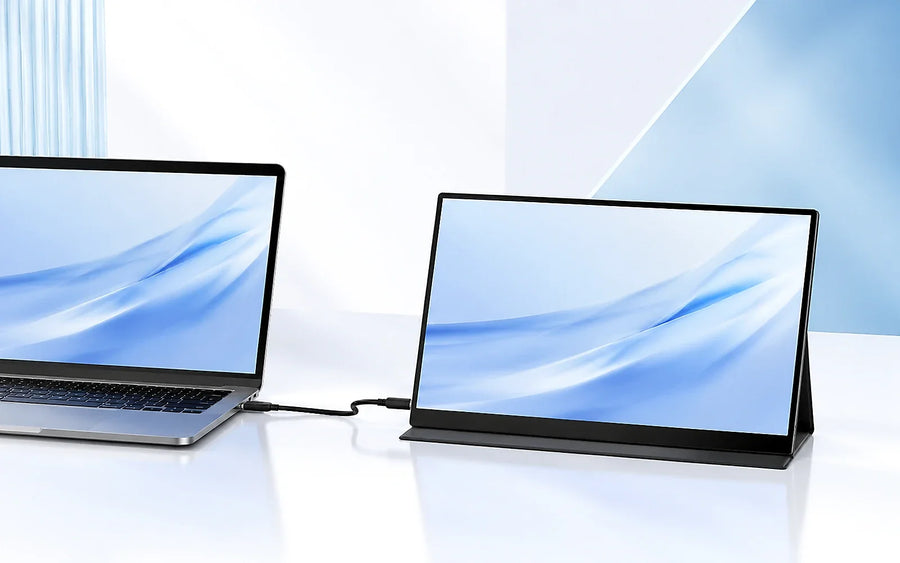
Buying guide
How to Connect a Portable Monitor to a Laptop, Phone or Console
A portable monitor can connect to many laptops, phones, tablets and consoles, but the correct cable and power setup depend on the source devic...
Read guide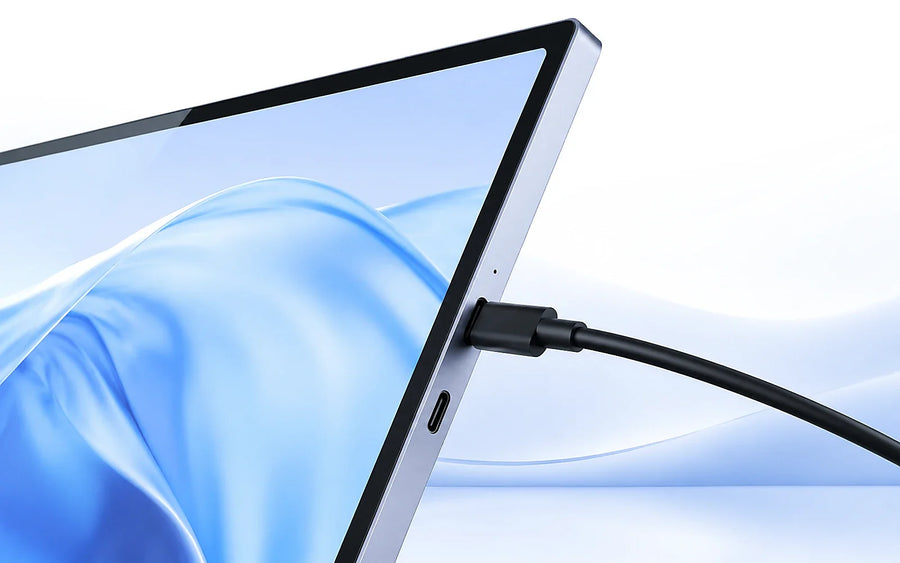
Buying guide
Does Your USB-C Port Support Video Output?
USB-C describes the connector, not every feature behind it. Two USB-C ports can look identical while only one supports video output.What a por...
Read guide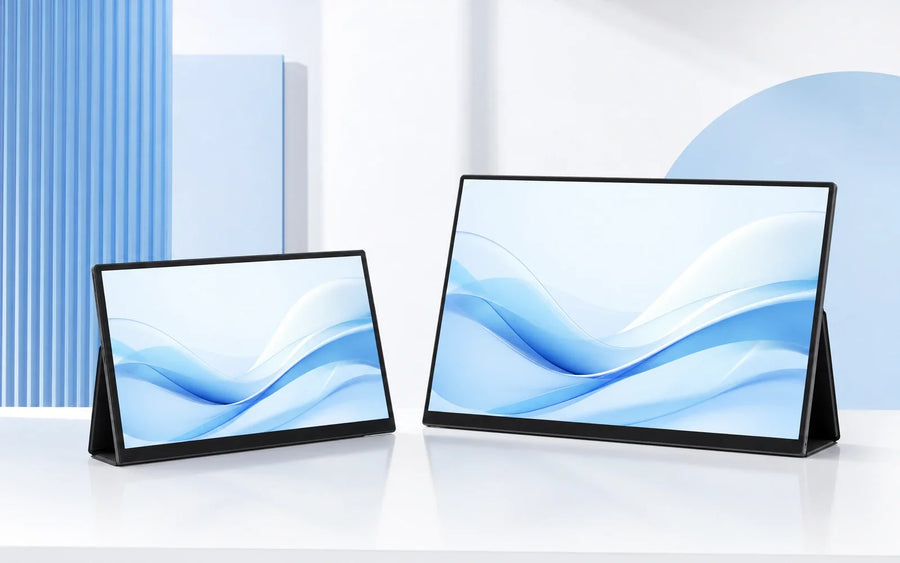
Buying guide
14-inch vs 15.6-inch Portable Monitors
The best portable monitor size depends on how often you carry it and how much workspace you want when it is set up. A 14-inch display prioriti...
Read guide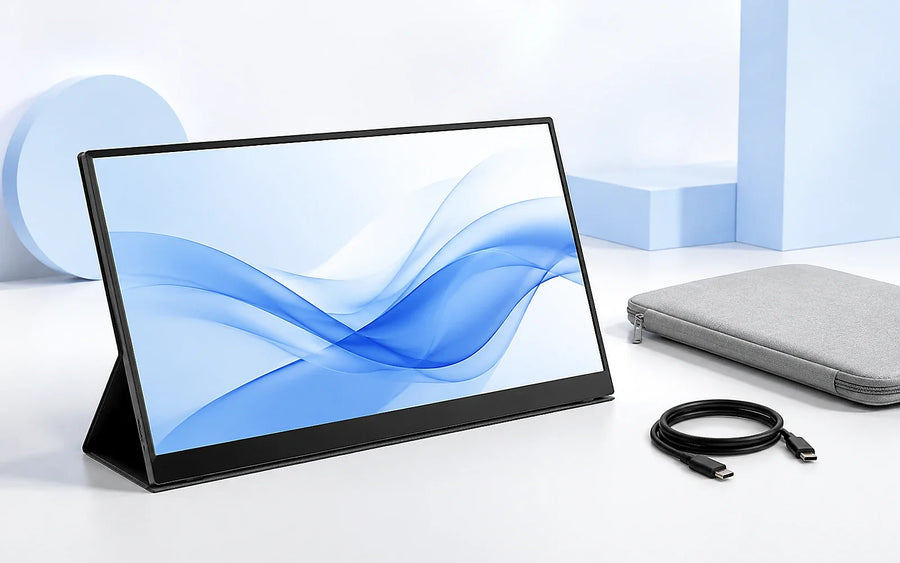
Buying guide
How to Choose a Portable Monitor
A portable monitor should fit both your devices and the way you work. Screen size matters, but connectivity, weight, stand design and aspect r...
Read guide